Show clients
exactly where
things stand.

TR△CE turns thirty seconds of talking into a client-ready project plan — the phases, the milestones, and one live link to share. Win the job, keep your phone quiet, and collect the final invoice without a fight.
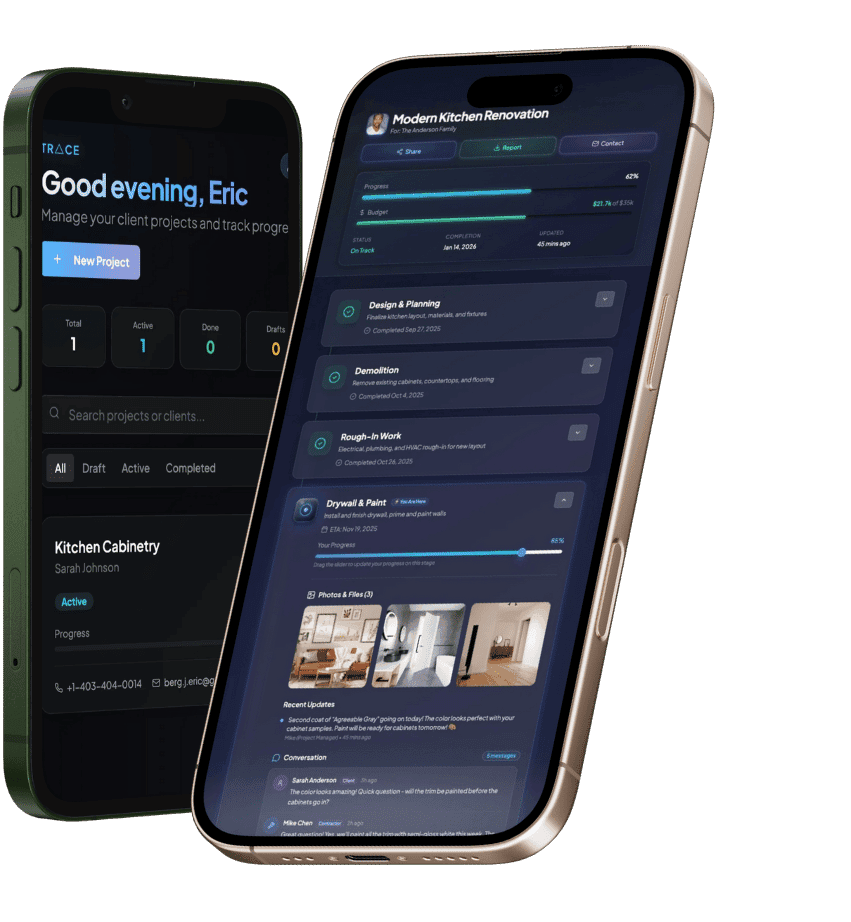
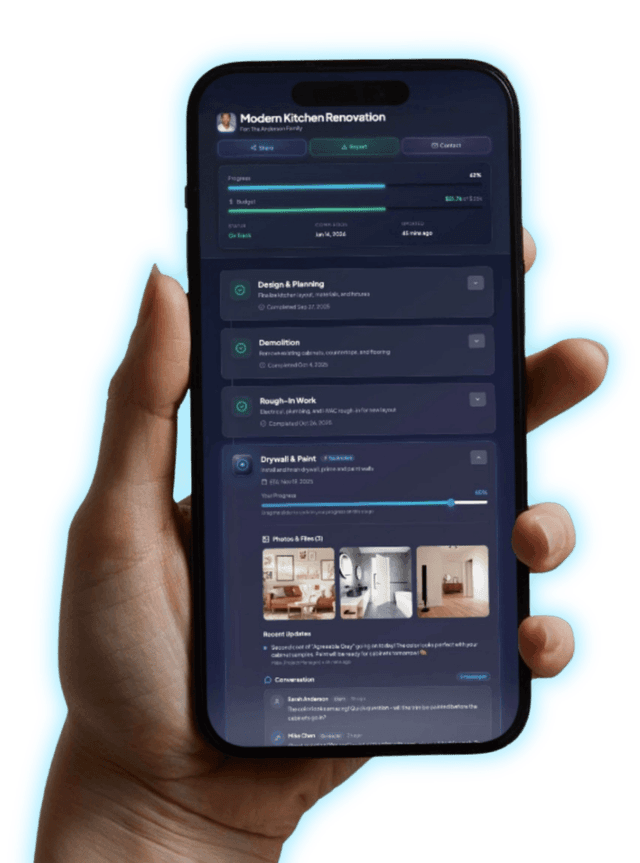
Client viewing project updates on TR△CE
No app download for clients
No passwords to forget
Spoken updates in 30 seconds

Built for work that moves in phases

Renovation & tradesArchitectureInterior designAgencies & studiosWeddings & eventsConsultingLandscaping & outdoorWeb & softwarePhoto & videoCustom fabrication
1

Stage 1 · Say it

Start with 30 seconds of talking.

Describe the job the way you'd tell a friend. That's the whole setup.

You, holding the mic

“Kitchen reno for the Harpers demo the first week, cabinets mid-June, final walkthrough early July.”

Your project plan · drafted in seconds

…waiting on you, boss.

2

Stage 2 · It becomes a plan

Shape it like it’s yours. Because it is.

The AI drafts; you decide. Drag a phase, rename it, add one — the plan obeys.

The draft · yours to shape

Demolition & prepWeek 1
Framing & rough-insWeeks 2–3
Paint & finishesLate June
Cabinets & countersMid-June
Add a phase

Drag to reorder. Rename anything. Add what the AI missed.

3

Stage 3 · Send one link

Send one link. Win the job.

Attach the live plan to your quote. Watch what happens.

You → the Harpers

9:41

The only quote with a living plan attached.

4

Stage 4 · Follow the line

Now there's just one thing to follow. The line.

Updates, photos, approvals, questions — they all live on the same line you're scrolling right now. No tool juggling. No email archaeology.

9:41

You · on site

Tap one

Tap one. That's the whole job.

9:41

Your client · at home

Live

…waiting on you, boss.

She didn't install anything. That's the point.

5

Stage 5 · Get paid

The final invoice surprises no one.

Approvals get signed along the line, while the work happens. By the end, the whole job is on the record.

What your client sees

Cabinets & counters

Ready for your sign-off — approving green-lights the next phase.

ApproveRequest changes

Every approval signed along the line. The record is the receipt.

6

Stage 6 · See it · price it

See it live. Price it.

Real timelines you can open right now — then pick a plan when you're ready.

Trial

Free · 14 days

The full Pro product, no card required.

  • Every Pro feature unlocked
  • Up to 25 active projects
  • Client links stay live afterwards
  • Upgrade only if it earns it
Start free
MOST POPULAR

Pro

$19/month

Your brand on every job

  • Everything in your free trial, plus:
  • Up to 25 active projects
  • Your own branding (no TR△CE badge)
  • Client approvals in writing
Start your 14-day free trial

Crew

$99/month

For the whole crew, every job

  • Everything in Pro, plus:
  • Unlimited active projects
  • White-label
  • Team accounts
Compare plans in detail

Job's done · every stage on the record

Client viewing project updates on TR△CE
One last thing

The best clients don't
check in. They just know.

Give them a window into the work. Get your nights back.

Five minutes to set upNo app for your clients
This page0%
TR△CE — Live project timelines for contractors